Wired Doorbell Camera Installation in Greenville, SC: What Your Home’s Existing Wiring Needs to Support
Your front door is the one spot every visitor, delivery, and neighbor passes, which is why a video doorbell is one of the most popular upgrades for homeowners heading into the holiday delivery season. The camera itself is the easy part. What decides whether it works reliably for years is everything behind it: the wiring, the power supply, the mounting, and the Wi-Fi signal at your door. True North Handyman provides doorbell camera installation for homeowners throughout Greenville, SC, with a focus on wired cameras. This guide covers what to check before you buy or install one.
Wired vs. Battery Doorbell Cameras
Battery models are simple to put up because there’s no wiring involved. The trade-off is upkeep: the battery has to be recharged or swapped, and cold weather can reduce battery performance.
Wired models draw power from your doorbell wiring, so there’s nothing to charge and the power is steady. They also typically work with your existing indoor chime. The catch is that a wired camera depends on the condition and capacity of the wiring and power supply behind the wall, and that’s where installs go wrong. It’s also the type our doorbell camera page covers.
What Has to Be Right for a Wired Install
The existing doorbell wiring: Doorbell wire is thin, low-voltage cable. In older homes it may be brittle, corroded, or patched together from earlier repairs.
The power supply (transformer): A video doorbell draws more power than a simple buzzer. Most models list a required voltage range, often somewhere around 16 to 24 volts AC, though it varies by model. A transformer sized only for an old chime can leave a camera underpowered, which shows up as restarts, dropped connections, or a weak chime.
The chime: Some indoor chimes need a small adapter or connector to work with a video doorbell, so compatibility is worth confirming.
The mounting surface: Wood trim, vinyl siding, brick, and stucco each need a different approach. Brick and masonry need proper masonry bits and anchors, and vinyl siding usually needs a mounting block so the device sits flat.
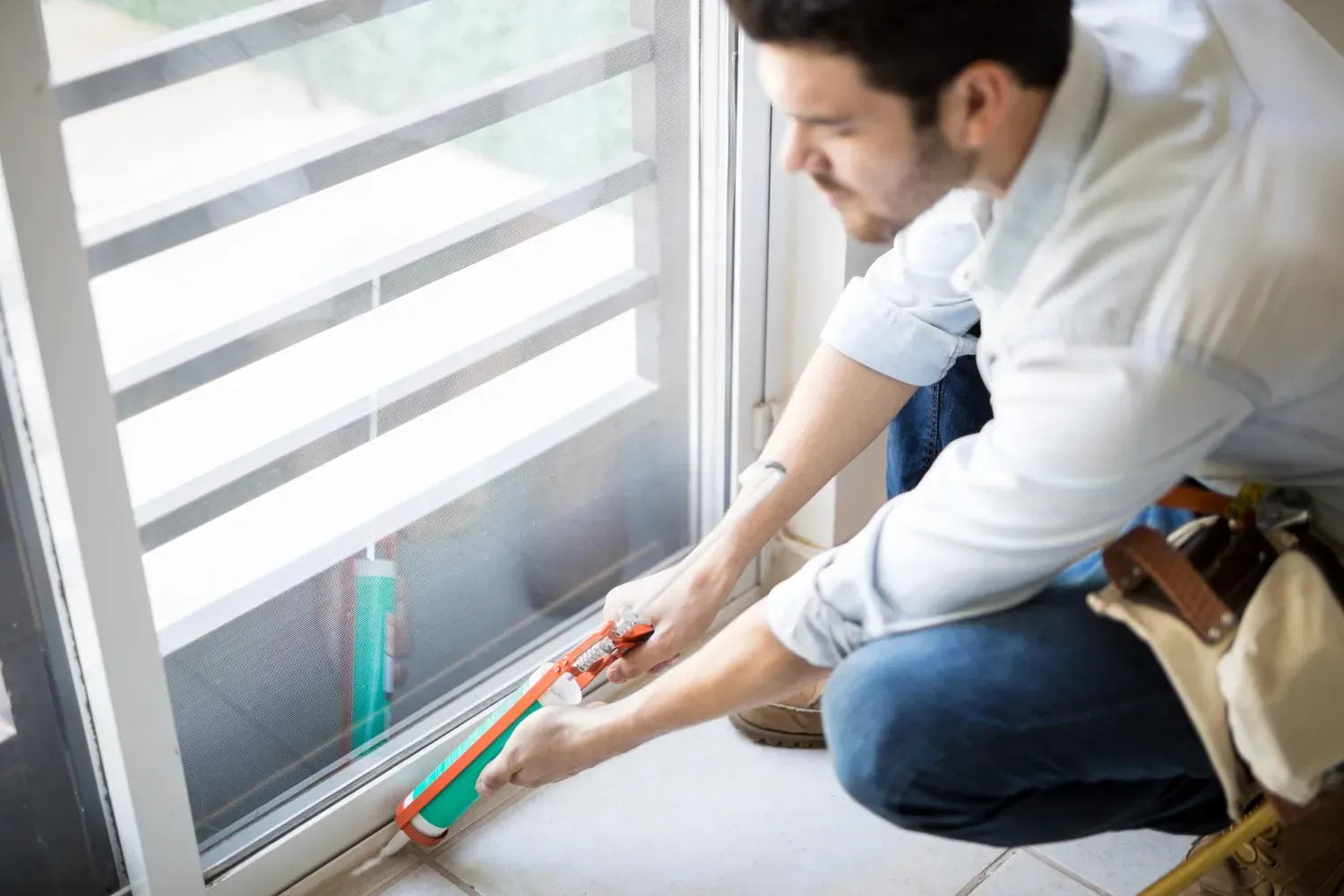
Sealing against water: Any hole through exterior trim or siding needs to be sealed, and the mount needs to sit flush, so water doesn’t get in behind it.
Wi-Fi at the front door: A strong signal at your router doesn’t guarantee one at your porch. A weak signal causes lag, missed alerts, and a camera that keeps going offline, so test it before drilling anything.
The viewing angle: The camera needs to capture visitors’ faces and the area where packages land. An angled mounting wedge often fixes a view that’s aimed too high or too far to one side.
Why Greenville’s Climate and Homes Matter
Greenville sits in the Piedmont region of Upstate South Carolina, and a device that lives outdoors all year deals with that climate.
Humid summers: A doorbell is exposed to moisture for months. Check the manufacturer’s weather-resistance rating, and make sure the mount and any wall opening are sealed.
Heavy rain and thunderstorms: The Upstate gets more annual rain than much of the country, thanks to its position against the Blue Ridge escarpment. A doorbell on an exposed wall takes wind-driven rain, and a covered porch helps. Storms can also cause brief power or internet interruptions, so a camera that goes offline after a storm is often a power or Wi-Fi issue rather than a failed device.
Temperature swings and cold snaps: Wood trim and siding expand and contract through the seasons, which can loosen a mount over time, so check it after the first year. Cold also drains batteries faster, one reason many homeowners prefer wired models.
Sun and glare: Doors facing east or west get low-angle sun that can wash out the video. Mounting under an overhang helps.
Trees and wind: Moving branches can trigger constant motion alerts. Adjusting the motion zones usually solves it.
Older homes and newer builds: Many older Greenville homes, including those in Downtown Greenville and North Main and mid-century homes near Augusta Road, were wired when a doorbell was just a buzzer. The wiring and transformer may not support a camera without attention. Newer builds in areas like Five Forks are more likely to have power suited to video doorbells, but it’s still worth confirming rather than assuming.
Signs Your Doorbell Wiring May Not Be Ready
- A weak, buzzing, or inconsistent chime
- A doorbell button that’s loose, corroded, or sticks
- Visible splices, brittle insulation, or tape-wrapped connections near the button
- A transformer that hums or feels warm
- A previously installed camera that restarts or drops offline
- A doorbell that only works some of the time
Where to Mount It and How to Aim It
A height of around four feet is a common recommendation, but follow your model’s guidance. Aim to capture faces and the spot where packages are left, and avoid pointing straight into the afternoon sun. Keep it out of driving rain where you can. Point the camera at your own property, and check any HOA rules before you install.
DIY or Call a Pro?
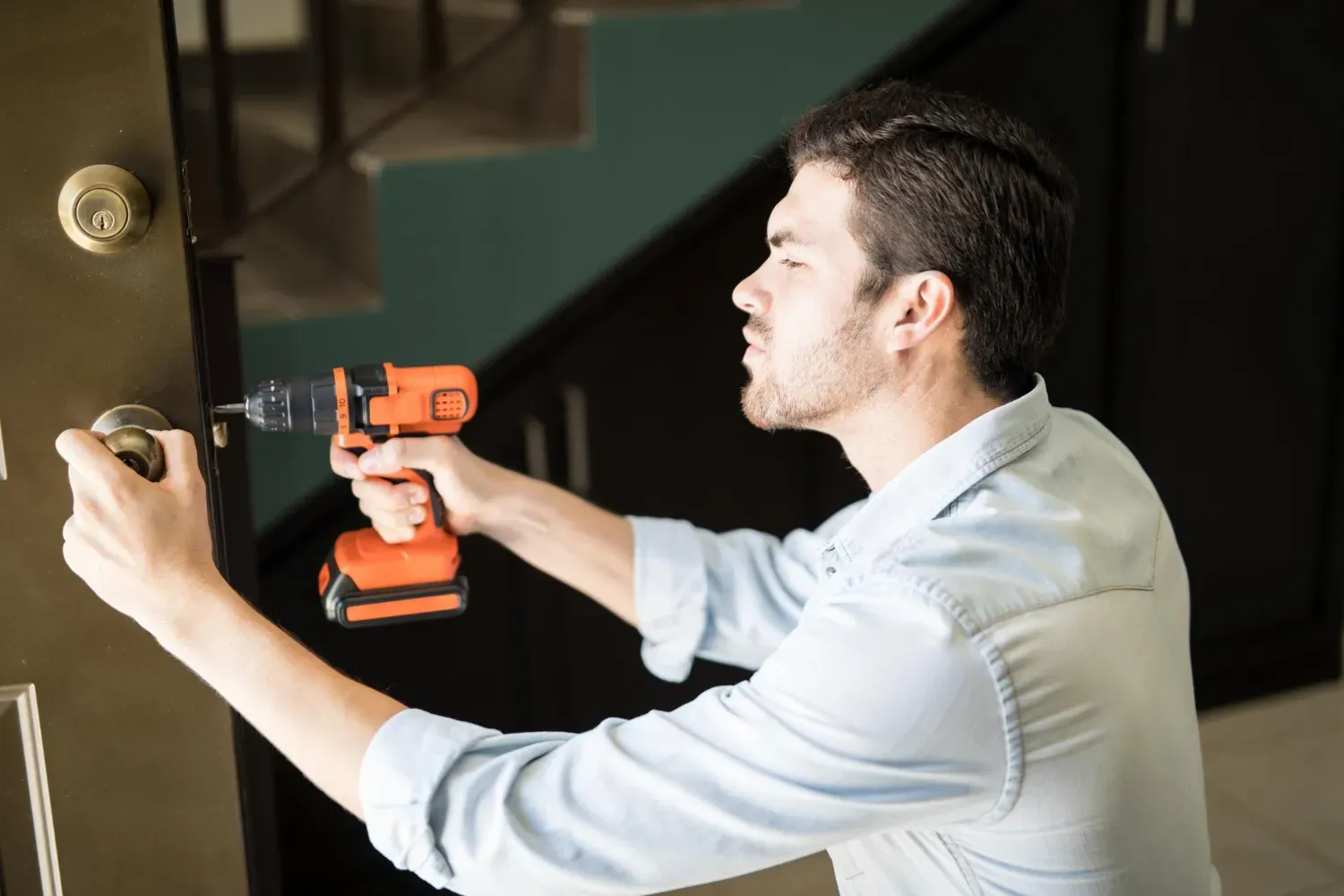
A battery doorbell on an existing mount is a reasonable weekend project. A wired install is different. Our doorbell camera page notes that DIY installs can lead to loose mounting, wiring problems, Wi-Fi connectivity issues, poor viewing angles, and device malfunction.
Professional installation is aimed at secure mounting, reliable wiring, and good camera positioning.
If you do work on doorbell wiring yourself, turn off power at the breaker first, since the transformer connects to household wiring. If the wiring or power supply looks questionable, that’s a good moment to bring in a professional. Our electrical services cover related work, and our guide on deciding between DIY and hiring a pro walks through where that line usually falls.
What a Wired Doorbell Camera Visit Looks Like
A typical visit starts with a look at what’s already there: the existing doorbell, the wiring, the chime, and where the camera will sit. The old doorbell comes off, the new mount goes up on a surface suited to it, and the wiring is connected and secured. The opening is sealed, the camera is angled for a clear view of the porch, and everything is tested to confirm it powers on and rings the chime. If the existing power supply turns out to be a poor match, that gets flagged up front so you aren’t left with a camera that keeps restarting.
Looking After Your Doorbell Camera
- Wipe the lens periodically, since pollen and dust cut image quality
- Check that the mount is still tight after storms and after the first full year
- Recheck motion zones when the trees leaf out or drop their leaves
- Watch for repeated disconnects, which usually point to Wi-Fi or power rather than the camera
Don’t Forget the Rest of the Front Door
A doorbell camera is a good prompt to look over the whole entryway. A door that sticks or doesn’t latch, worn seals, or a dim porch light all affect how the entrance works. Our door repair service handles alignment and latch problems, light fixture replacement covers the porch light, and our guide to door frame and trim repair in Greenville explains why Upstate humidity makes doors stick. Our carpentry services cover weatherstripping and related door work.
What’s the difference between a wired and a battery doorbell camera?
A battery model runs on a rechargeable battery and needs no wiring. A wired model draws power from your doorbell wiring, so there’s nothing to charge, but it depends on that wiring and the transformer being up to the job.
Will my existing doorbell wiring work with a video doorbell?
Often, but not always. Video doorbells need a certain voltage range, and older wiring or an undersized transformer can cause restarts, dropped connections, or a weak chime. It’s worth checking before you buy.
Can a doorbell camera be mounted on brick or vinyl siding?
Yes, but each surface needs the right approach. Brick needs masonry anchors, and vinyl siding usually needs a mounting block so the camera sits flat and secure.
How high should a doorbell camera be mounted?
Around four feet is a common recommendation, but follow the manufacturer’s guidance for your model.
Why does my doorbell camera keep going offline?
Usually weak Wi-Fi at the front door or an underpowered connection. Checking the signal at the door and the power supply behind the wall are the first places to look.
Does weather affect doorbell cameras in the Upstate?
It can. Humidity, heavy rain, and temperature swings are all factors, so choose a weather-rated model, seal the mount, and check it after storms.
Does True North Handyman install doorbell cameras throughout Greenville?
Yes, throughout Greenville and the surrounding Upstate.
Get Your Greenville Front Door Camera-Ready
True North Handyman serves homeowners throughout Greenville and the surrounding Upstate, handling wired doorbell camera installs with attention to the wiring, mounting, and positioning that make them last.
Ready to Upgrade Your Front Door?
Request your free estimate online and True North Handyman will get back to you with upfront pricing, so you’ll know the cost before any work begins.